
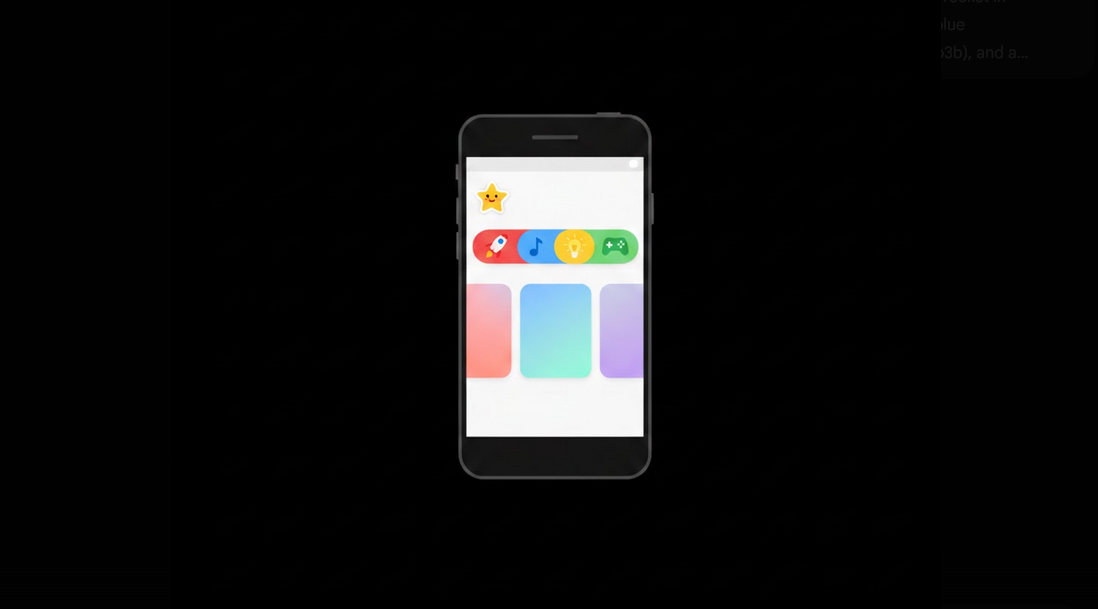
YouTube Kids is an application created especially for kids. It provides safe environment for watching videos, as all inappropriate videos were filtered from numerous ones that are available in the common YouTube. Control the age level of the videos and use the kid-friendly interface.
Main Features and Differences from Common YouTube
The main differences between YouTube Kids and common app are the closed ecosystem, automated and manual filters which provide age-appropriate videos. Also, there are no comments, bigger thumbnails and simplified navigation. The application was created especially for kids, while the common one was not.
YouTube Kids Main Features
- Age content level: choose from preschool (children younger than 4), younger (5-8 years) or older (9-12 years old).
- Control options: passcode, control the time spent on watching and control the search function.
- Curated content: only age-appropriate videos are available.
- No comments: it is impossible to leave any comments on the videos.
- Timer function: it is possible to set the limit for watching the video.
- Search control: it is possible to disable the search function and allow the kid to watch only the videos posted on the homepage.
- Profile management: create personal profile for every child and set up the content level.
Setup Process of YouTube Kids
- Download the app: download the application from the Google Play Store or the Apple App Store;
- Login as parent: login via your Google account to manage the parental settings and profiles;
- Create the child profile: enter the information about the child including his/her name and age;
- Choose the content level: choose the content level according to the age of your child – preschool, younger or older;
- Manage the controls: set up passcode, enable/disable the search, set up the timer (if you wish);
- Give the device to your child: he/she can use the application with the controls established.
Disadvantages of YouTube Kids
Despite the fact that the application is much safer than the common one, there are some drawbacks. Automatic filtering system does not work properly and sometimes filters videos incorrectly or allows to watch inappropriate videos. According to the reports, there is some disturbing content which is styled as the cartoon and appeared in the app. However, the parental supervision is still necessary.
YouTube Kids vs Restricted Mode
YouTube Kids: it is a separate application which includes the curated library of videos, the simple interface and the comprehensive parental control options. This one is preferable for children under 12 years old.
Restricted mode: it is a filter for the common YouTube application. It hides the videos which may include something inappropriate. It is less comprehensive than the previous one, but still good for children and teenagers.
Vanced with Restricted mode: YouTube Vanced allows to use the Restricted Mode for the children over 12. Also, it filters the videos which may include inappropriate ads for children.
Advertisements on YouTube Kids
YouTube Kids has some child-appropriate advertisements, but their quality is poor and many parents consider them annoying while their kid is watching. If your family prefers to see no advertisements on the main YouTube application, YouTube Vanced with MicroG will help you to solve this problem – it will provide your family with the ad-free content and Restricted Mode.
Tips for Parents Using YouTube Kids
- Watch together with your child: spend some time watching the content together with him/her to understand what kind of videos your kid prefers;
- Check what was watched recently: see the history of watching to find out what videos was chosen by your kid;
- Block the problematic content: you can use the ability to block the videos or channels which appeared in the app accidentally;
- Turn off the search for the younger kids: it is the way to prevent your child from finding something inappropriate;
- Set up the reasonable time limit: use the timer to establish the limits for watching videos;
- Keep the application up-to-date: updating the application will allow you to use the new functions and filters which guarantee the safety of the content;
Who Benefits from YouTube Kids
- Parents of young children: this application is the best choice for families with children under 12 years old who need to have the safe video environment;
- Caregivers: babysitters, grandparents or other people who need something simple and safe to entertain the child;
- Educators: teachers who need to use the age-appropriate videos in the educational process;
- Families with Shared Devices: those families where children and adults watch the videos on the same devices.
Conclusion
This application provides safe environment for your child to watch videos with your supervision. Due to the curated library, kid-friendly interface and parental controls, it is the best choice for your kids. YouTube Vanced with Restricted Mode is a great alternative for children older than 12 – it guarantees the safety and the absence of ads.
